AI Tasks
Leverage AI for summarization, investigation, classification, and routing.
llm.summary
Display Name: AI Summary
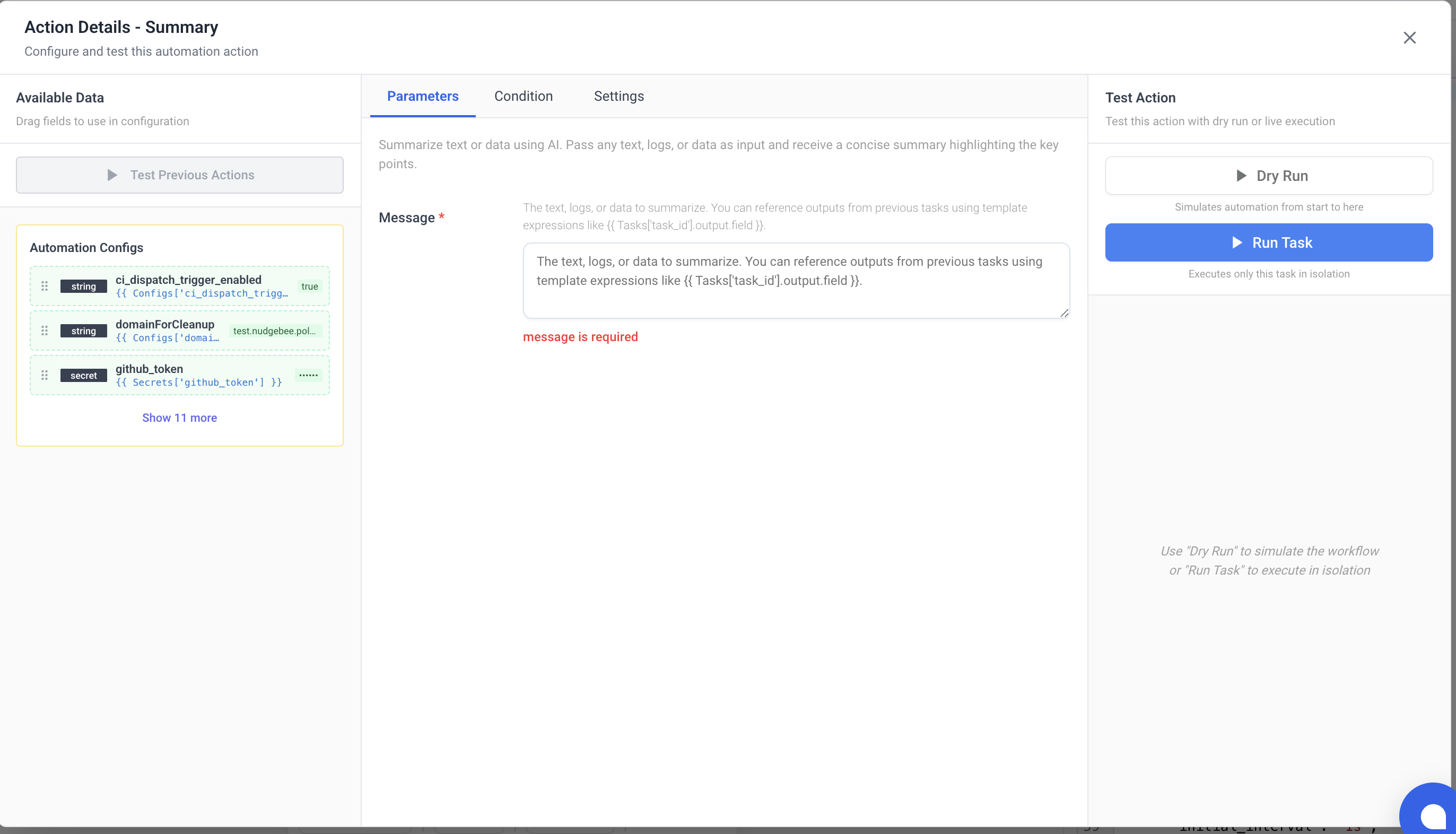
Summarize text, logs, or data using AI. Pass any content and receive a concise summary highlighting key points.
Parameters
| Name | Type | Required | Description |
|---|---|---|---|
message | string | Yes | The text, logs, or data to summarize. Supports template expressions to reference previous task outputs. |
Output
| Name | Type | Description |
|---|---|---|
data | string | AI-generated summary. |
conversation_id | string | NuBi conversation ID (for follow-up). |
session_id | string | NuBi session ID. |
llm.investigate
Display Name: AI Investigation
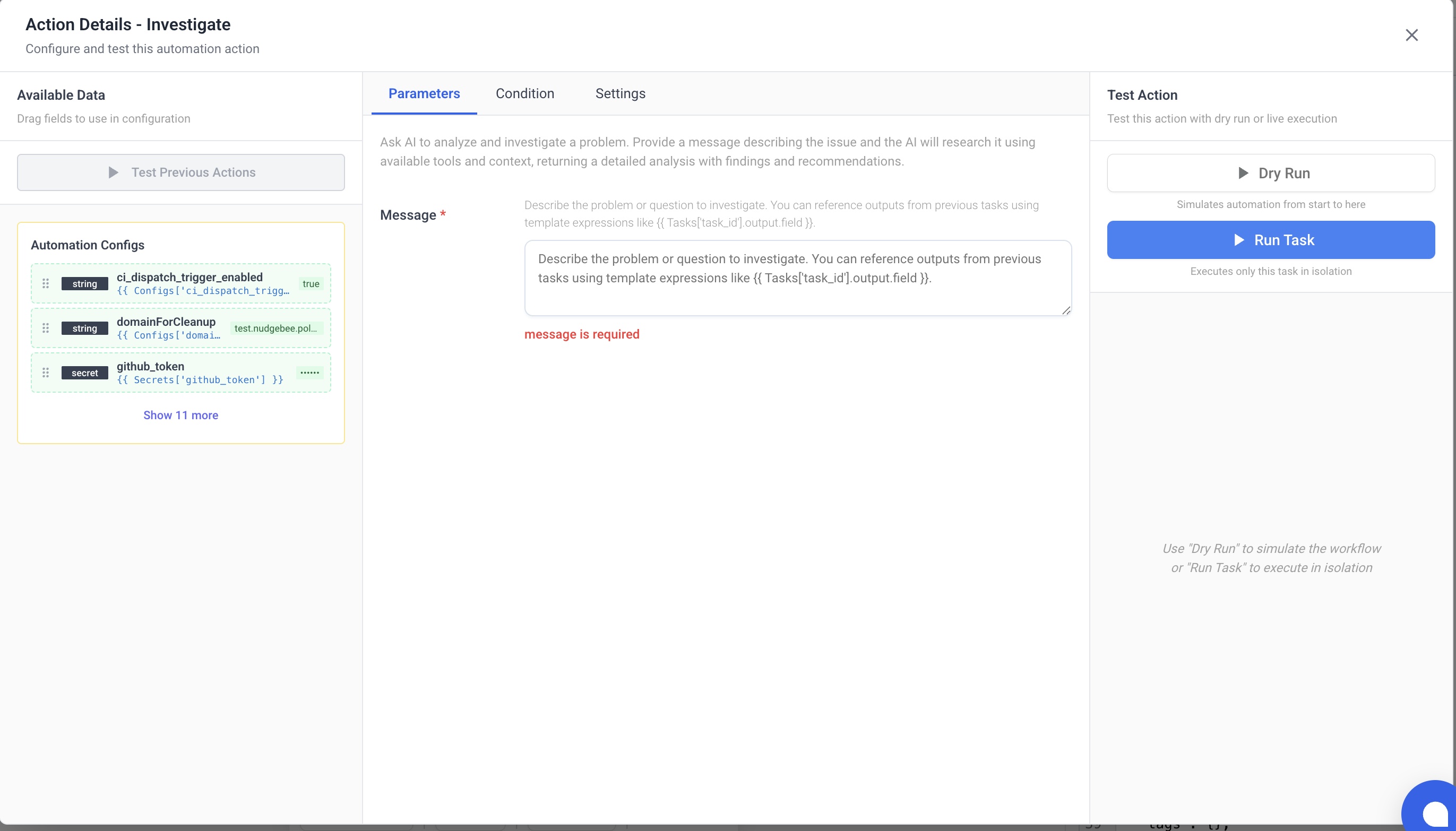
Ask AI to analyze and investigate a problem. The AI will research the issue using available tools and context, returning detailed findings and recommendations.
Parameters
| Name | Type | Required | Description |
|---|---|---|---|
message | string | Yes | Description of the problem or question to investigate. Supports template expressions. |
Output
| Name | Type | Description |
|---|---|---|
data | string | Investigation findings and recommendations. |
conversation_id | string | NuBi conversation ID. |
session_id | string | NuBi session ID. |
llm.event_investigate
Display Name: AI Event Investigation
Ask AI to investigate a specific event or alert. Designed for event-triggered workflows — automatically analyzes the event context, checks related resources, and provides root cause analysis.
Parameters
| Name | Type | Required | Description |
|---|---|---|---|
message | string | Yes | Event or alert details. Typically pass {{ event }} for webhook-triggered workflows. |
Output
| Name | Type | Description |
|---|---|---|
data | string | Root cause analysis and recommendations. |
conversation_id | string | NuBi conversation ID. |
session_id | string | NuBi session ID. |
llm.nubi
Display Name: Ask NuBi
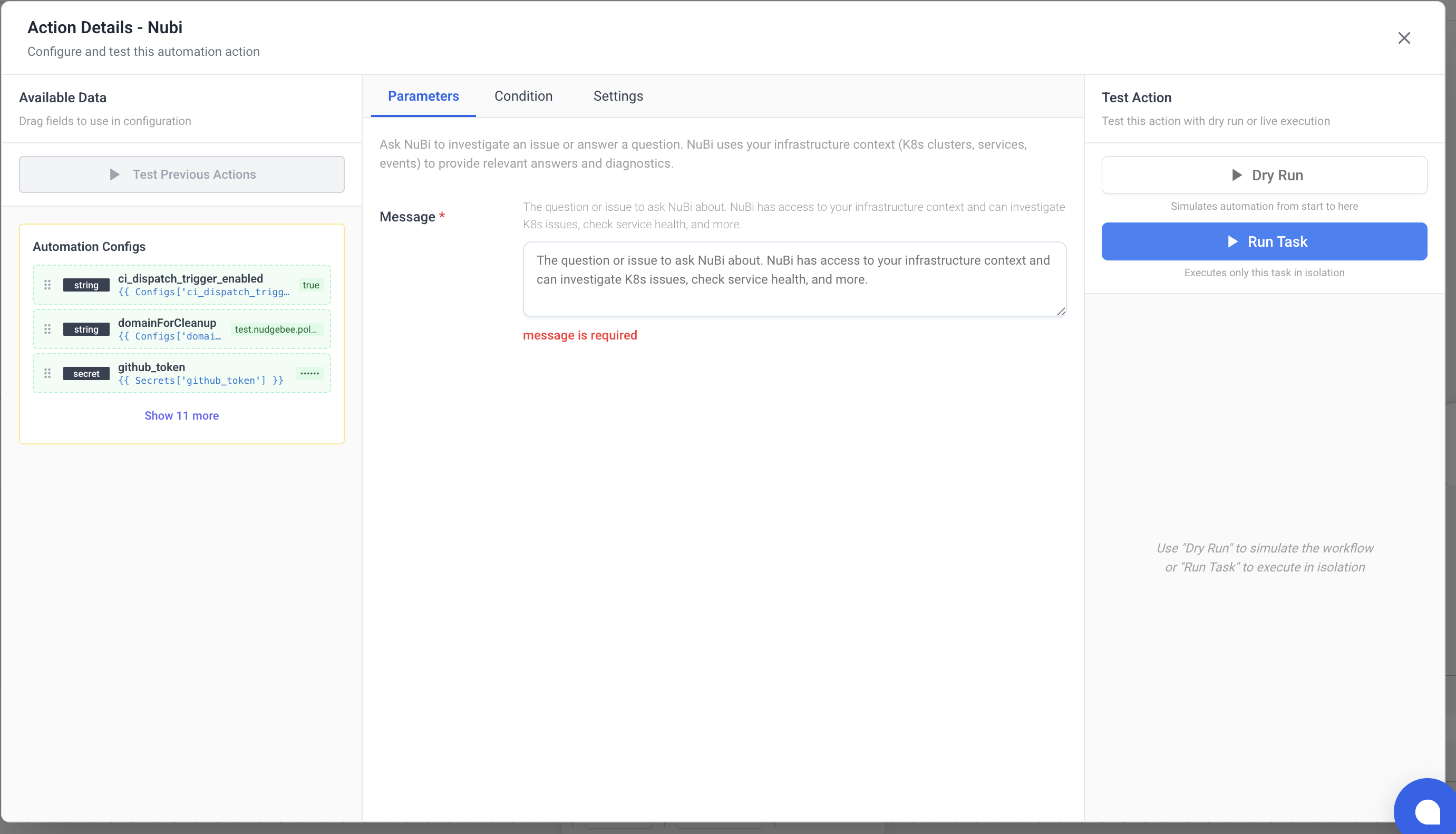
Ask NuBi (Nudgebee's AI assistant) to investigate an issue or answer a question. NuBi has access to your infrastructure context including K8s clusters, services, and events.
Parameters
| Name | Type | Required | Description |
|---|---|---|---|
message | string | Yes | Question or issue to ask NuBi about. |
Output
| Name | Type | Description |
|---|---|---|
data | string | NuBi's response. |
conversation_id | string | NuBi conversation ID. |
session_id | string | NuBi session ID. |
llm.classify
Display Name: AI Classifier
Use AI to categorize input into one of several predefined options. Useful for routing decisions based on content analysis.
Parameters
| Name | Type | Required | Description |
|---|---|---|---|
prompt | string | Yes | The user query or context to evaluate. |
options | array | Yes | List of options, each with name (branch identifier) and description (what it represents). |
Output
| Name | Type | Description |
|---|---|---|
selected_branch | string | The name of the selected option. |
llm.router
Display Name: AI Router
Use AI to classify input and automatically route to the correct branch of tasks. Define multiple branches with descriptions — the AI selects which branch to execute.
Parameters
| Name | Type | Required | Description |
|---|---|---|---|
prompt | string | Yes | The input to classify and route. |
branches | array | Yes | List of branches, each with name, description, and tasks (list of task definitions to execute). |
Output
| Name | Type | Description |
|---|---|---|
selected_branch | string | Name of the branch that was selected and executed. |
llm.a2a_call
Display Name: AI Agent Call
Call an external AI agent via JSON-RPC 2.0. Use this to integrate with third-party AI agents or services that expose an agent-to-agent (A2A) compatible endpoint.
Parameters
| Name | Type | Required | Description |
|---|---|---|---|
url | string | Yes | External agent endpoint URL. |
method | string | Yes | JSON-RPC method name (e.g., agent.chat). |
params | any | No | Parameters for the JSON-RPC call (JSON object). |
headers | object | No | Custom headers (e.g., Authorization). |
Output
| Name | Type | Description |
|---|---|---|
result | any | Result of the JSON-RPC call. |
id | string | Request ID echo. |
jsonrpc | string | JSON-RPC version. |
llm.mcp_call
Display Name: MCP Call
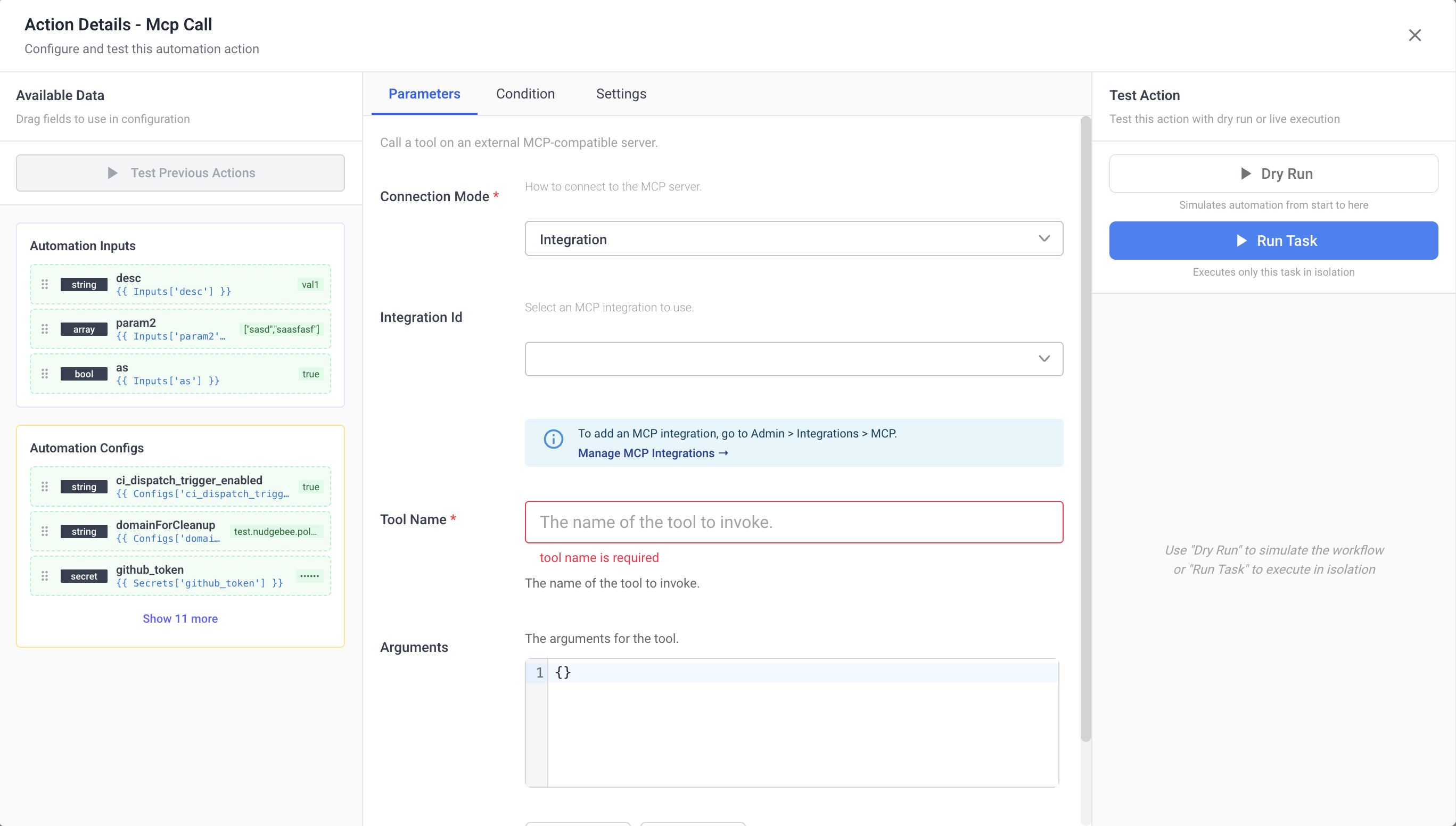
Call a tool on an external MCP (Model Context Protocol) compatible server.
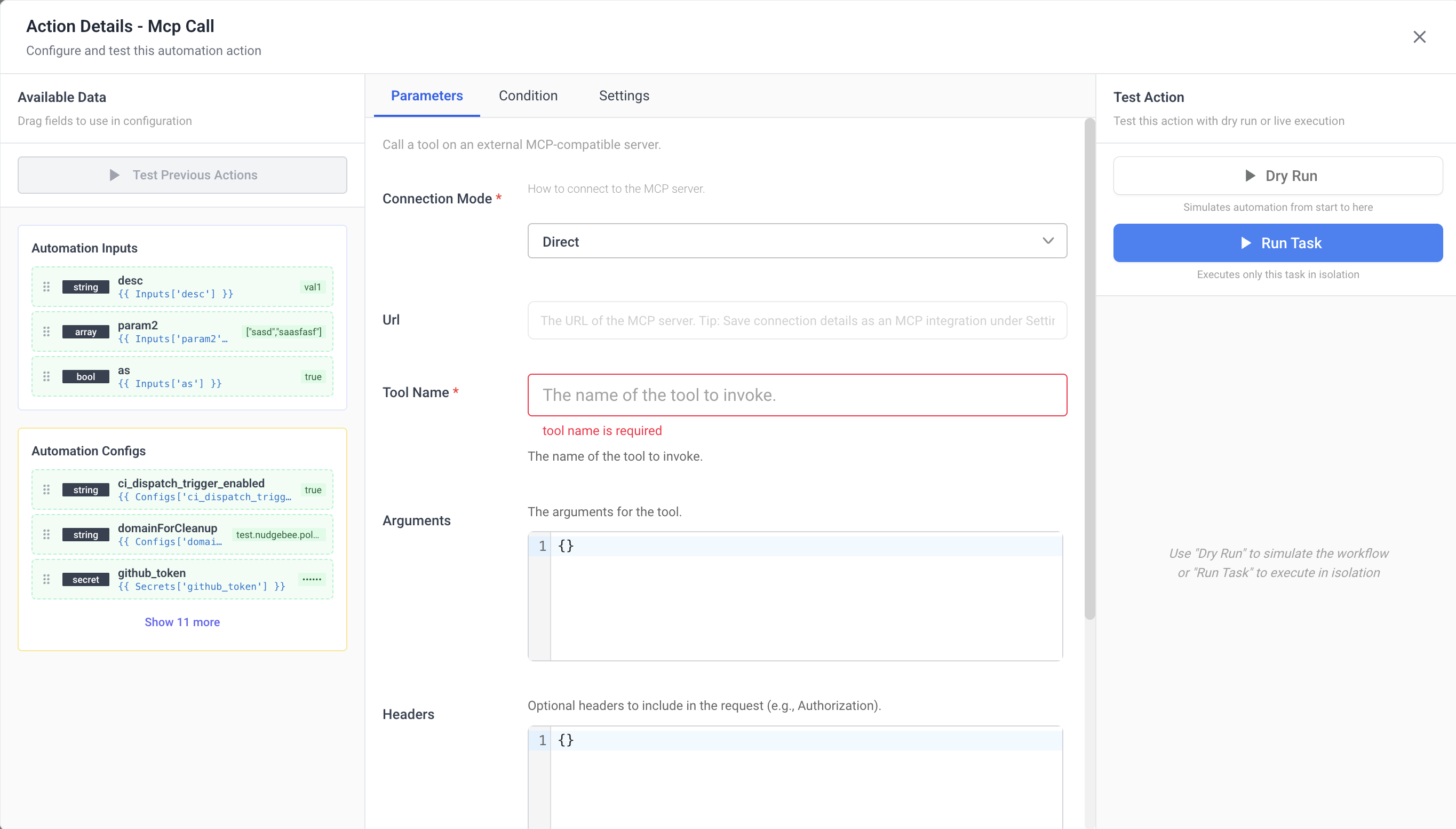
Parameters
| Name | Type | Required | Default | Visibility | Description |
|---|---|---|---|---|---|
connection_mode | string | Yes | integration | Always | How to connect to the MCP server. Options: integration (use a saved MCP integration) or direct (provide URL and auth inline). |
integration_id | integration | Conditional | — | connection_mode = integration | Select an MCP integration to use. Manage integrations under Settings > Integrations. |
url | string | Conditional | — | connection_mode = direct | The URL of the MCP server. Tip: Save connection details as an MCP integration under Settings > Integrations for reuse. |
tool_name | string | Yes | — | Always | The name of the tool to invoke. The tool name dropdown is dynamically populated — it connects to the MCP server (via integration or direct URL) and fetches available tools using the tools/list MCP method. |
arguments | object | No | {} | Always | Tool-specific input arguments. |
headers | object | No | — | connection_mode = direct | Custom HTTP headers to include in the request (e.g., Authorization). |
auth_type | string | No | "" (none) | connection_mode = direct | Authentication type. Options: "" (none) or oauth2. For bearer, basic, or API key authentication, use the headers parameter directly instead. |
oauth_token_url | string | Conditional | — | auth_type = oauth2 AND connection_mode = direct | OAuth 2.0 token endpoint URL. |
oauth_client_id | string | Conditional | — | auth_type = oauth2 AND connection_mode = direct | OAuth 2.0 client ID. |
oauth_client_secret | string | Conditional | — | auth_type = oauth2 AND connection_mode = direct | OAuth 2.0 client secret. Encrypted at rest. |
oauth_scope | string | No | — | auth_type = oauth2 AND connection_mode = direct | OAuth 2.0 scopes (space-separated). |
oauth_audience | string | No | — | auth_type = oauth2 AND connection_mode = direct | OAuth 2.0 audience identifier. Required by some providers like Auth0. |
timeout | string | No | 60s | Always | Request timeout (e.g., 30s, 2m). |
Connection Modes
Integration Mode (Recommended)
- Uses a pre-configured MCP integration from Settings > Integrations.
- Connection details, authentication, and credentials are managed centrally.
- Supports both direct HTTP connections and vm_agent connections (routed through forager agent for on-prem MCP servers).
- All auth types supported: none, bearer, basic, API key/custom header, OAuth 2.0.
Direct Mode
- Provide the MCP server URL and authentication inline in the task configuration.
- Useful for quick testing or one-off connections.
- Supports custom headers and OAuth 2.0 authentication.
How It Works
The task uses the MCP Streamable HTTP transport with JSON-RPC 2.0:
- Sends an
initializerequest to establish a session (protocol version2024-11-05). - Sends an
initializednotification. - Sends a
tools/callrequest with the selected tool name and arguments. - Returns the tool's response (
contentarray andisErrorflag).
The task supports both immediate JSON responses and Server-Sent Events (SSE) streams from the MCP server.
Output
| Name | Type | Description |
|---|---|---|
content | array | Content returned by the tool. |
is_error | boolean | Whether the tool execution resulted in an error. |